Your answers (3)
- Which coins do you want to protect? → Bitcoin only
- What will you use? → Build it myself
- What will you build it on? → Raspberry Pi parts
Fits your answers
Fits your answers
SeedSigner
DIY Bitcoin signer from a Raspberry Pi Zero, QR only

Why this fits
You want to build a signing device from cheap parts. SeedSigner turns a Raspberry Pi Zero (v1.3 has no Wi-Fi or Bluetooth), a small screen and a camera into an air-gapped Bitcoin signer, with parts usually under USD 50. It is stateless: you load your seed (for example a SeedQR) each time.
- Watch-only app: Sparrow, etc.
- Type: DIY device: a signing device you build yourself (open-source software on off-the-shelf parts).
- Supported coins: Bitcoin only (mainnet, testnet, regtest).
- Connectivity: No Wi-Fi or Bluetooth on the recommended Raspberry Pi Zero v1.3; two-way QR codes via the camera. Boots from a microSD card, which can be removed after loading.
- Open source: Yes (MIT). Release images are reproducible since v0.7.0.
Buy directly from the maker's official store only.
Open it from this link or your own bookmark, then check that the address bar shows the maker's real site (not a look-alike spelling).
This is an open-source project with no official shop: download the software only from this official page and verify it as the project's docs describe. Hardware parts are bought separately.
DIY: you buy the parts and assemble it yourself (the Pi Zero may need its pin headers soldered, or buy one with headers).
- It is stateless, so you must load your seed every session, and it has no secure element.
- Verify the software image's signature before use.
Also worth a look
- Krux — No soldering if you buy an assembled touchscreen device; can store an encrypted mnemonic.
Use it with the watch-only app: Sparrow, Specter, Liana, etc. 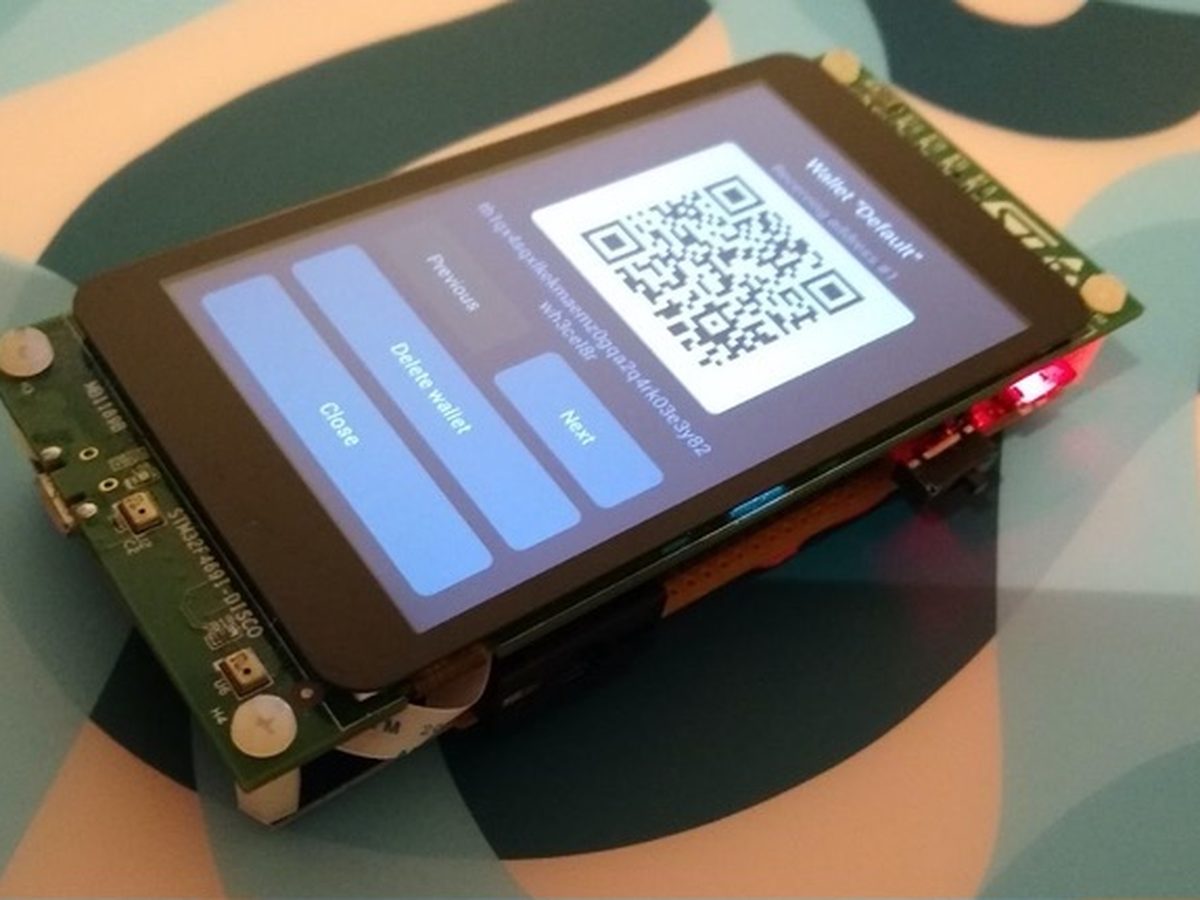
Use it with the watch-only app: Specter Desktop, etc.

Note
This is a suggestion based only on your answers; we don't promote any particular model. Compare the details and check the official website before buying.
Image credits: Photo: cryptoadvance/specter-diy, MIT License · License